Introduction
I wrote this in 2023 because so much of a digital life can depend on one Google account. Email, photos, documents and calendars are convenient when they work together. But if I lose access to that account, what else goes with it?
A 2022 New York Times investigation described fathers whose Google accounts were disabled after they photographed their children for medical care. Police investigated and cleared the fathers, but they remained locked out of their accounts. The story is more complicated than a simple choice between safety and privacy: systems intended to detect abuse can also have serious consequences when they get a case wrong.
In 2023, as a father of three young children, I found that story worrying. Being wrongly accused over a medical photo is frightening enough; losing access to email and family photos at the same time would make it worse.
I agree with the argument that people should be able to get their data back when an account is closed. An independent backup cannot settle that question of accountability, but it can make a closure less devastating.
The Trade-Off: Google vs. Privacy
I understand why people use Google: its services are useful, and they fit together. Advertising is also an important part of its business. Google's privacy policy describes what it collects and how it uses that information. Collection and personalization depend on the service and your settings; I wouldn't assume every feature works the same way.
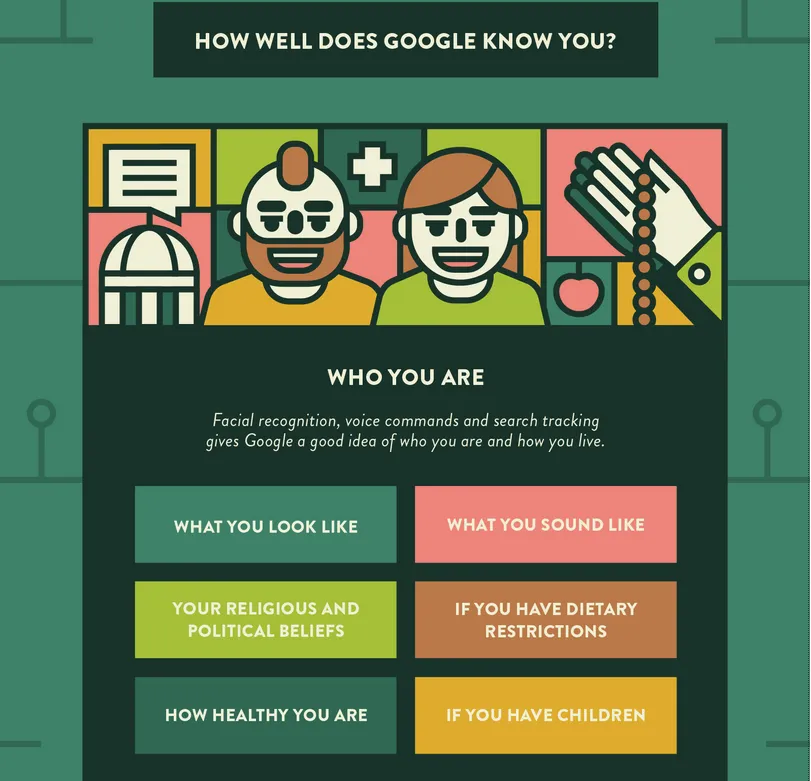
Infographic by Alice Bonasio from their article How Much Does Google Know About You?. This is an illustration, not a current account-specific inventory.
Take a minute to explore your own account:
- My Ad Center: review advertising personalization and the information available to you there.
- Google Dashboard: see a summary of services and saved data.
- My Activity: review and manage activity saved to your account.
Did you consciously decide to share everything you find? For me, that question matters even when the service is convenient.
To stay or to move away
I don't think the choice has to be all or nothing. You can keep the services that work for you while moving one collection elsewhere, turning off an optional setting, or keeping independent copies. Each alternative has its own trade-offs: cost, trust and the work of maintaining it.
Less dependence, more control
The strongest reason for me isn't a longer list of Google's faults. It's the concentration of power over my everyday life. Activity collection, ad targeting and location history raise questions about who can use my information. Account closure raises a different question: can I still get to my own files? Turning off an optional setting can address some collection; it cannot make a single account less central to everything else.
Moving one service can reduce that dependence. It doesn't make the next provider innocent by definition: it can have breaches, tracking or access of its own. I want a usable exit, not just a different logo.
Convenience is a real counterargument
Integration, familiarity and collaboration aren't imaginary benefits. Having email, a calendar and documents work together across devices saves effort, especially when the people around you already use them. Free products, third-party connections and new features can make staying attractive too. Support and features vary by product and account; none of that makes the convenience unreal.
Staying can be reasonable. I'd still want independent copies. Privacy choices and resilience overlap, but they aren't interchangeable: a backup won't stop data collection, and choosing a more private provider won't recover a file I never backed up.
Alternatives to Google Services
These are examples from my 2023 discussion, not a ranking of today's products or a description of my current setup. The useful question is what each change gives back—and what responsibility it adds. Check current features, costs and export options before switching. For account and browsing practices rather than this argument about dependence, see How to protect your online privacy.
The importance of a reliable backup system
Before moving anything, I'd make independent copies and check that I can restore them. The 3-2-1 rule is a useful starting point: three copies of your data, on two kinds of media, with one copy offsite. Sync is not a backup: a deletion or unwanted change can sync too.
Encrypt backups where appropriate and keep the recovery key somewhere safe and separate. VeraCrypt is one option for encrypted containers; losing the key can also mean losing access to the backup.
Alternative for Email & Calendar
ProtonMail & ProtonCalendar
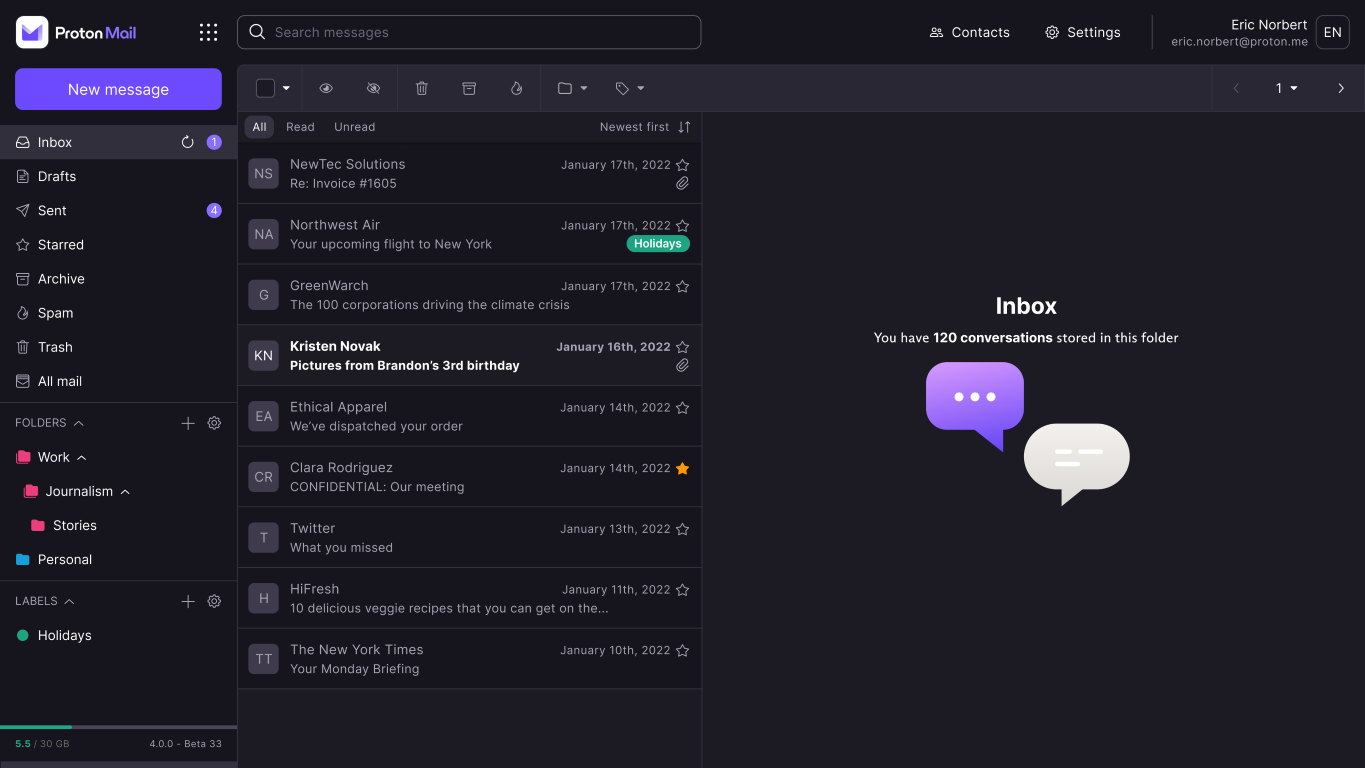
Google's policy describes automated processing of content for various purposes. Google says Gmail does not scan messages to show ads, and describes an exception when you choose to make data available to other Google services that support ads. The distinction matters when comparing providers.
What is ProtonMail
Proton Mail and Proton Calendar are alternatives for someone considering a different provider. Proton describes its email encryption and its limits: for example, mail sent to an external address is not automatically end-to-end encrypted in every case. Recipients, subject lines and other metadata also deserve attention; encryption is not a guarantee against a compromised device or account.
How to move from Gmail to ProtonMail
Proton's migration guide explains its import options. Check what arrived, including calendar data and attachments, before relying on the new account or deleting anything from the old one.
Alternative for Documents
Local files offer direct access on a device; synchronization or a hosted service can make them available elsewhere. Neither approach removes the need for backups or careful access permissions.
Non-collaborative: Syncthing
Syncthing synchronizes selected folders between devices. It does not itself provide an office suite, so you can edit documents with a local application such as LibreOffice. Devices must be configured and maintained, and synchronized changes are not a substitute for independent backups.
Collaborative: NextCloud
Nextcloud can provide file sharing and collaboration, including integration with Collabora Online. Self-hosting gives you more responsibility for updates, access controls and backups. Encryption depends on the configuration and feature in use; do not assume every file or collaboration session is end-to-end encrypted.
Alternative for Photos & Videos
Photoprism
What is Photoprism
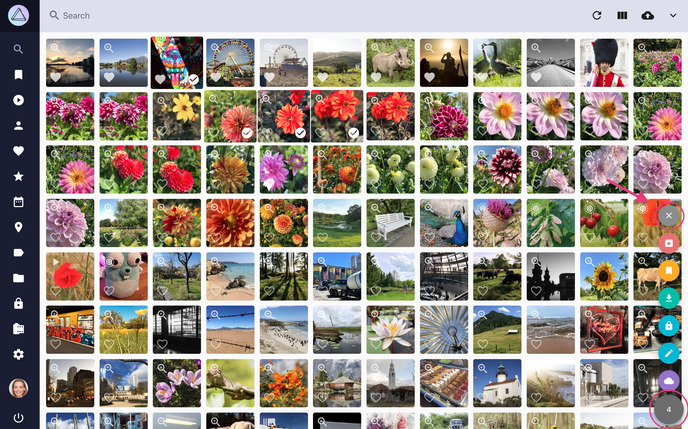
PhotoPrism is a photo-management application you can host yourself. I included it as an alternative because organizing a photo library and keeping control of it are both worth considering. Running it also means maintaining storage, updates and backups. Its face recognition documentation discusses limitations; results should not be assumed equally reliable for everyone.
In my own experiment, PhotoPrism's recognition didn't work as well for my library as Google's. That difference was useful to notice, but it doesn't tell me what data either model was trained on.
How to move from Google Photos to PhotoPrism
Start with Google Takeout and PhotoPrism's getting started documentation. Check the imported photos, videos and metadata before deleting or changing the original collection. Tools such as GooglePhotosTakeoutHelper may help organize exports; review their current documentation and limitations first.
Other alternatives to consider
PhotoStructure and LibrePhotos are other names from that exploration. A 2021 comparison of self-hosted photo managers gives historical context, not a current verdict. Another catalog won't choose for me: import quality, upkeep and getting my originals back matter more than the number of alternatives.
How to automatically backup your photos & videos from your phone
One possible setup is to synchronize a phone's camera folder to a computer or server, then have PhotoPrism index the originals. Consult the current documentation for your phone's sync app and PhotoPrism's indexing instructions; availability and background behavior depend on the platform. Check that new files actually arrive and are indexed.
This is synchronization, not a complete backup. Keep separate backups and test restoration, including after deletions or device changes.